Product · Virtual Assistant

Help people get answers and reach the right person.

Answer routine questions across web, phone and text using your approved knowledge. When someone needs more help, pass the conversation and its context to your staff.

Illustrative concept.
Watch the walkthrough

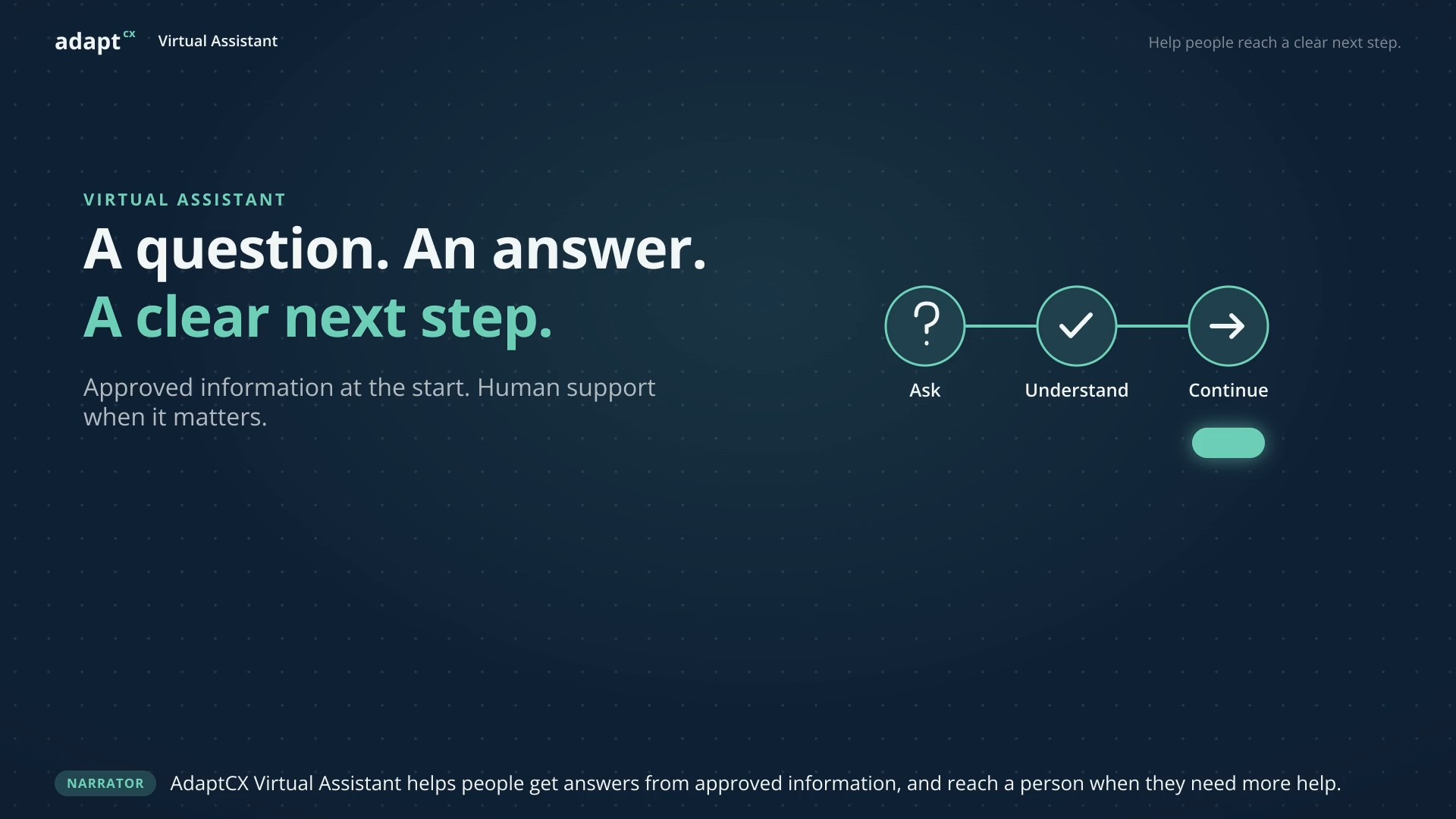
A question. An answer. A clear next step.

A narrated illustrative workflow showing approved guidance and a staff handoff, using a fictional service guide rather than personal records.
Approved information at the start. Human support when it matters.Approved information at the start. Human support when it matters.1:16 · Watch video

Watch video · 1:16

Read the transcript

Narrator: AdaptCX Virtual Assistant helps people get answers from approved information, and reach a person when they need more help. Maya: I’m preparing a service application. What should I include? Virtual Assistant: The application guide lists a completed form and the supporting documents for your request. Here is the checklist. Narrator: Maya can see the guidance behind the answer. This example uses a fictional service guide, not personal records. Maya: One of my documents has my previous name. Can I still submit it? Virtual Assistant: That needs a staff review. I can pass along your question and what we have discussed. Narrator: The conversation continues with Alex. The question, source, and unresolved issue are together, so the next person has context. Alex: Hi Maya. I see you have a document under your previous name. Let’s review the instructions for that situation together. Maya: Thank you. That is exactly what I needed help with. Narrator: A familiar question. Approved guidance. A thoughtful handoff. AdaptCX Virtual Assistant. Help people reach a clear next step.

A question. An answer. A clear next step.

A narrated illustrative workflow showing approved guidance and a staff handoff, using a fictional service guide rather than personal records.

See the whole exchange

One question. A source.
A clear next step.

Start with a familiar question. See the information behind the answer and the context a staff member needs when the request goes further.

Illustrative workflow · Sample policyQuestion → approved guidance → next step
The visitor asks

What should I include with my appeal?

An example service question, with no personal records or account details.

Illustrative response

Include your case reference and explain why you believe the decision should be reviewed. Check the deadline in your decision notice.

The supporting source

Keep the guidance in view.

Sample appeal submission guide

“An online appeal includes the case reference and the reason for review. The decision notice specifies the applicable filing deadline.”

Illustrative policy, not guidance from a real agency.
How retrieval supports an answer
The next step

Know when a person is needed.

If the visitor needs help applying the guidance to their own notices, prepare the conversation and unresolved question for staff review.

Carry forward
The question and source reference
Staff review
Which decision or notice needs attention
Explore support for the employee

A concept example, not a live conversation, system lookup or completed transfer.

Where it could fit

Different requests need
different boundaries.

Choose the work you want to support, then define what the assistant may explain, retrieve or hand to a person.

Public information

“What do I need to submit?”

Use approved guidance to explain a familiar process and show the relevant source.

Boundary: Refer unclear, conflicting or exceptional requirements to staff.

An individual record

“Has my document arrived?”

Evaluate a status workflow around the identity checks and authorized record access your organization requires.

Boundary: A record lookup needs a configured, tested connection; general guidance is not confirmation of receipt.

A decision or exception

“Can someone review my situation?”

Collect the permitted context and identify the staff team responsible for the next step.

Boundary: Authorized people remain responsible for consequential decisions.

Fit with your environment

Connect the conversation
to the work behind it.

Plan the connections between your approved knowledge, access checks and the team or system receiving the request. Confirm each integration for the proposed scope.

Explore deployment options
Connections to evaluate for your workflow
Where the request starts

Selected service channels

Confirm the channel, licensing and operating requirements.

What supports the answer

Approved knowledge

Guidance with an owner, an applicable version and a review process.

What a specific request may need

Identity and authorized records

Configured checks and permitted access to the relevant system.

Who receives the next step

Your staff workflow

The context and receiving-team confirmation to test before use.

Control and oversight

Keep your team
responsible for the decision.

Make the operating rules visible in the evaluation, including who approves information and what happens when the next step cannot be completed.

Own the knowledge.

Name the people who approve sources, resolve conflicts and update guidance when a policy changes.

Define the access.

Agree what may be public, what requires verification and which requests must stay with authorized staff.

Review the next step.

Test the source record, handoff context and failure response. Agree retention, access and review responsibilities.

Evaluate a useful scope

Start with one workflow
you can test.

Bring representative questions and approved, non-confidential guidance. Decide what a successful answer or handoff must show before expanding the scope.

  • Agree the permitted requests and the stop conditions.
  • Identify the sources, access checks and connections required.
  • Test missing information, unavailable systems and requests for a person.
  • Review what staff receive and how failed handoffs are handled.
Before you book

Questions about
the next step.

Does Virtual Assistant replace our staff?

The proposed workflows support familiar questions and prepare context for staff. Your team defines the boundaries, reviews exceptions and remains responsible for consequential decisions.

Can it work from our approved information?

Approved knowledge is part of the intended workflow. The evaluation should establish which sources apply, who owns them, how they are updated and how source references appear with an answer.

Read about grounding and source references
What happens when the answer or handoff is uncertain?

Define and test that behavior as part of the scope. Review when the workflow should stop, what context it should retain and what the visitor sees if the receiving system or staff connection is unavailable.

What should we bring to a walkthrough?

Bring one recurring question, representative approved guidance and the staff workflow you want to examine. Keep personal information and case files out of the marketing contact form; agree a secure channel before sharing sensitive records.
Product videos

Explore more product videos.

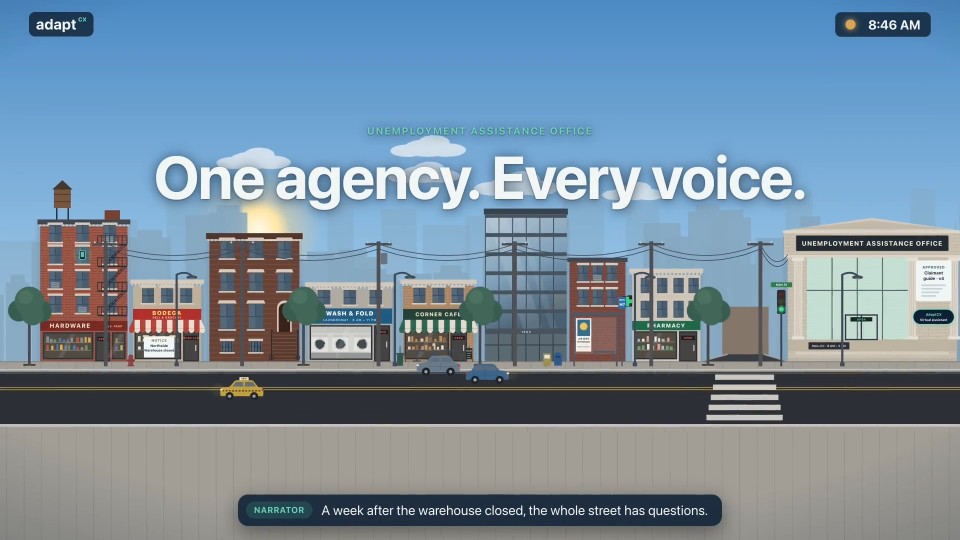
One agency. Every voice.

One agency. Every voice.

An illustrative multilingual agency workflow, with questions and responses in English, Spanish and Haitian Creole.

Read the transcript

Narrator: A week after the warehouse closed, the whole street has questions. Narrator: They call the unemployment office, in their own language. Caller: How do I file for unemployment? Assistant: You can file online or by phone. Have your last employer's details ready. Caller: ¿Cómo veo el estado de mi solicitud? Assistant: Puede verlo en línea en cualquier momento, con su número de solicitud. Caller: Èske mwen ka fè demann lan an kreyòl? Assistant: Wi. Ou ka fè tout demann lan an kreyòl. Narrator: At rush hour, the questions pour in. The Virtual Assistant answers every one, from the same approved guide. Narrator: And at midnight, when the office is closed, it's still there. Caller: ¿Tengo que buscar trabajo cada semana? Assistant: Sí. Registre su búsqueda de trabajo cada semana en línea. Narrator: Day or night. English, Español, Kreyòl. One approved guide. Narrator: AdaptCX Virtual Assistant. Every voice, one agency.

One agency. Every voice.

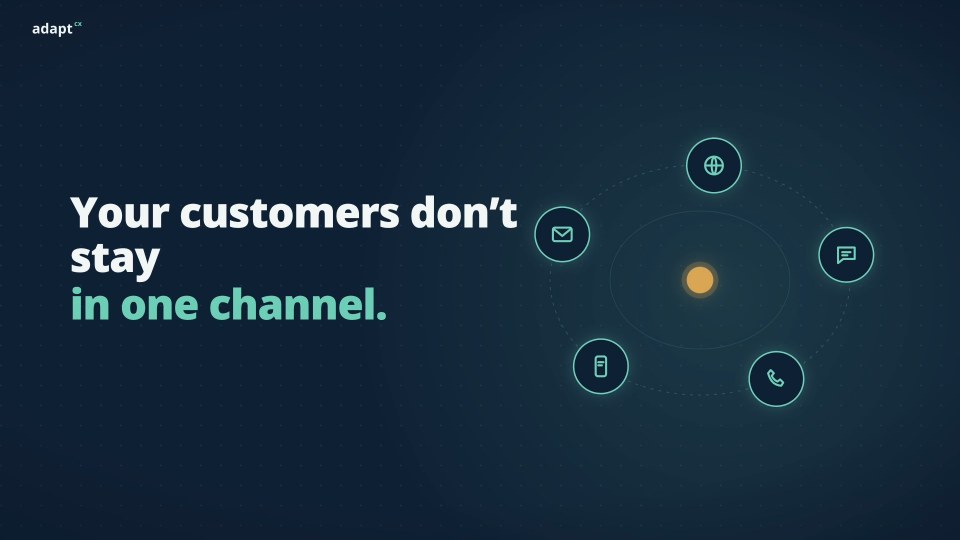
Channel continuity: One conversation, every channel.

Channel continuity: One conversation, every channel.

A narrated AdaptCX overview illustrating how conversation context can follow a request across chat, voice, text and a staff handoff.

Read the transcript

Narrator: Your customers move between channels all day. Narrator: But most systems make them start over every time they switch. Narrator: Repeat the account number. Repeat the problem. Start again. Narrator: What if the conversation followed them? Narrator: Meet AdaptCX. One conversation, across every channel. Narrator: Chat, voice, text, and back to voice. The request and its details travel with the customer. Narrator: Agents see everything that�s already happened, so customers repeat nothing. Narrator: Continuous. Contextual. In control. Narrator: AdaptCX. Change the channel, not the conversation. Book a walkthrough at adaptcx.ai.

Channel continuity: One conversation, every channel.

One engine, every engagement.

One engine, every engagement.

An illustrative benefits-appeal scenario showing how the AI Engagement Hub connects context, approved knowledge, staff guidance and human review.

Read the transcript

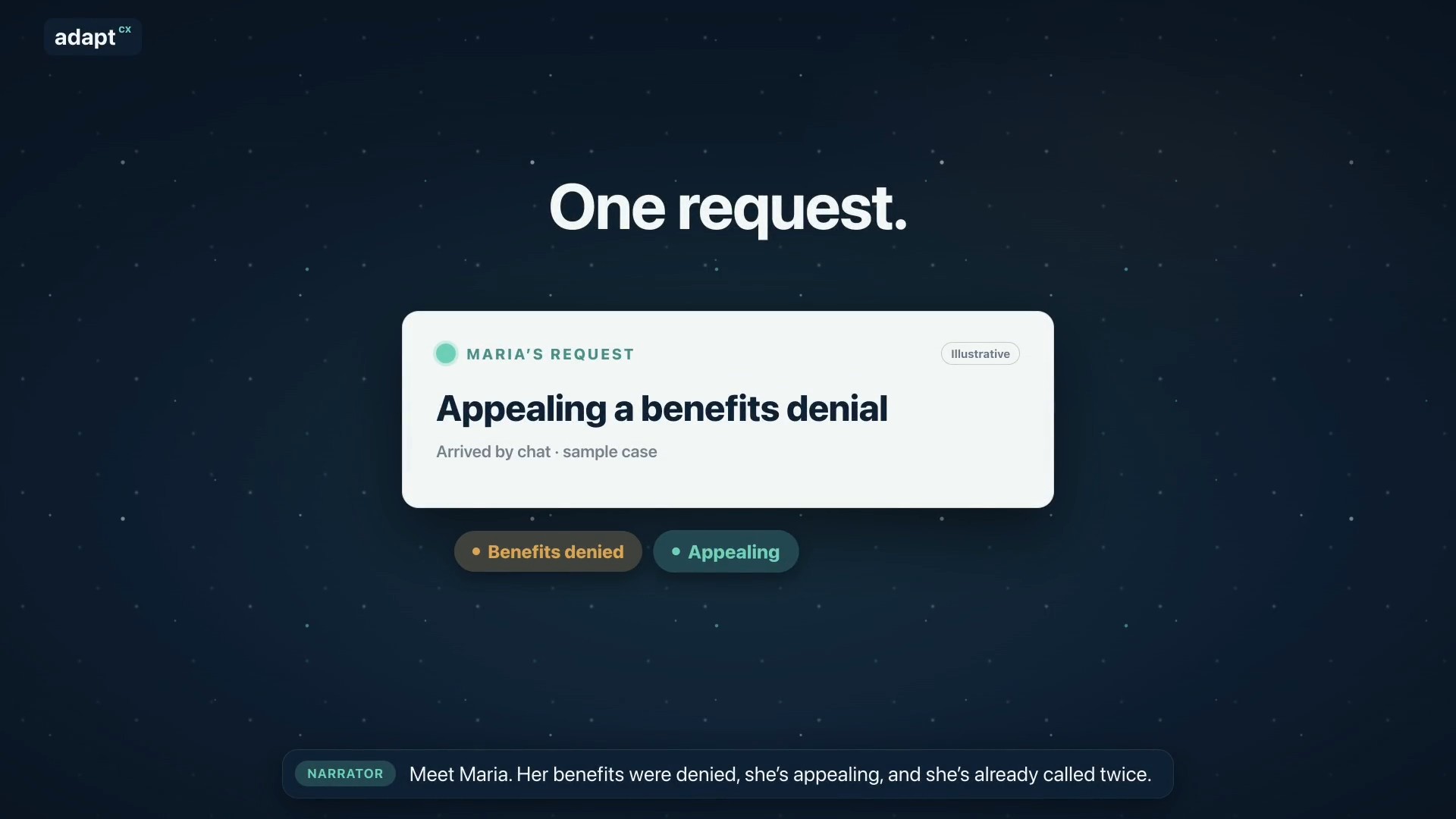
Narrator: Meet Maria. Her benefits were denied, she’s appealing, and she’s already called twice. Narrator: Usually, her request bounces between separate tools. AdaptCX runs it through one engine: the AI Engagement Hub. Narrator: First, it gets her request to the right team. Narrator: It remembers her whole story, from her claim to today’s chat. Narrator: Maria is frustrated, so it reminds the agent: listen first, then explain. Narrator: It finds the exact rule that applies, with the source. Narrator: It spots that her deadline is close, and flags it for staff. Narrator: It notices she’s called three times this week, a sign to follow up. Narrator: It helps supervisors see when the team is stretched. Narrator: Answers that work become guides your experts approve. Narrator: And when many people call about the same letter, it shows where to look. Narrator: One login. One audit trail. One record. Nine capabilities, one system. Narrator: AdaptCX AI Engagement Hub. One engine, every engagement.

One engine, every engagement.

Watch more

See it in action

The same question, for the hundredth time?

Let AdaptCX handle the familiar part and get the right person involved when it matters.