Product · Document AI

Turn forms and letters into reviewable case data.

From carbon-copy claim forms to handwritten appeals, classify the document, extract the relevant fields and check them against your rules. Staff can compare unclear or important values with the original page.

Illustrative concept.
Watch the walkthrough

Documents in. Clarity out.

A narrated illustrative healthcare intake workflow showing document extraction, exception review and handoff, with clinical decisions kept with the care team.
From pages to a reviewable packet.From pages to a reviewable packet.1:07 · Watch video

Watch video · 1:07

Read the transcript

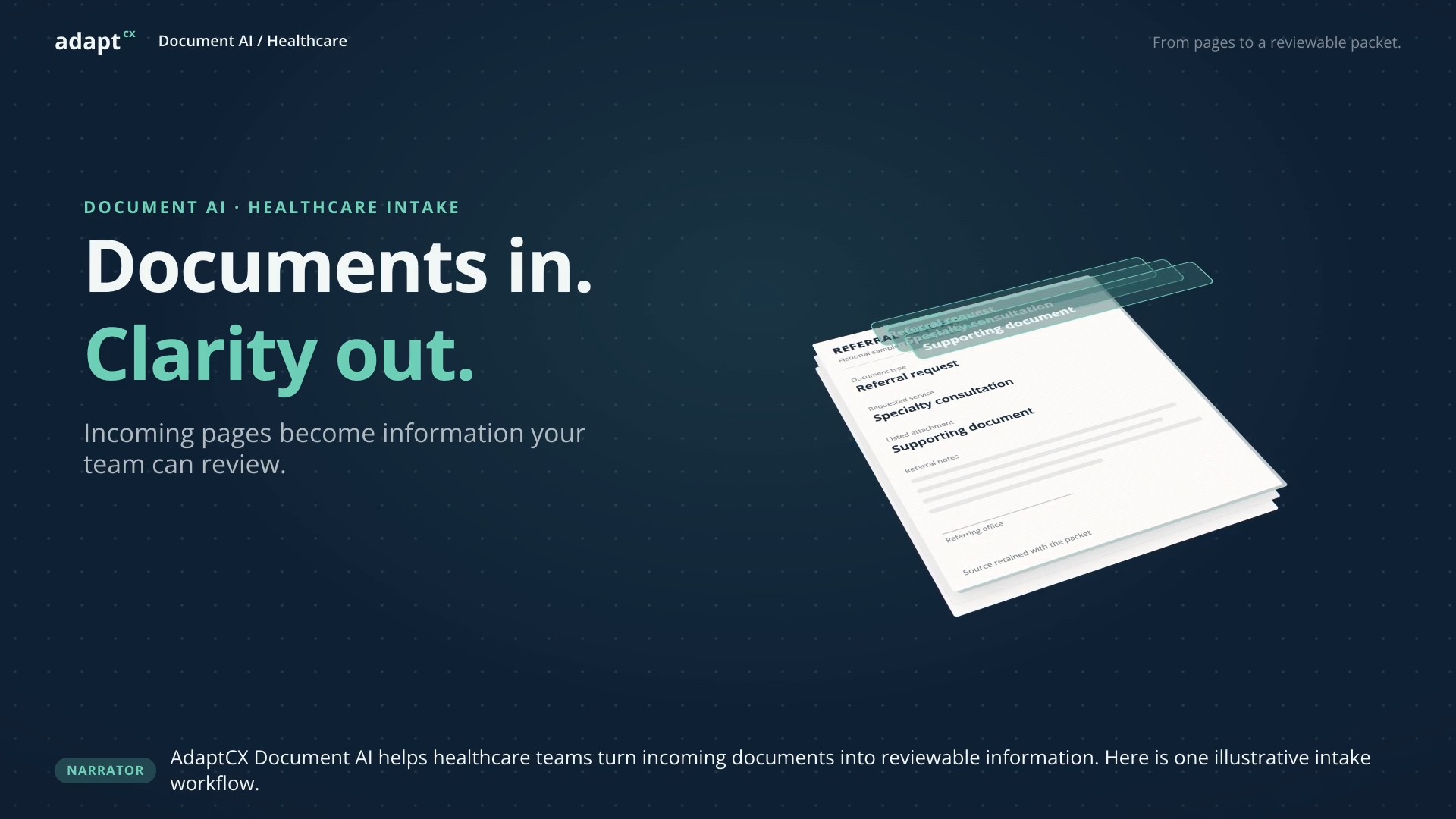
Narrator: AdaptCX Document AI helps healthcare teams turn incoming documents into reviewable information. Here is one illustrative intake workflow. Nina: A new referral packet. Let me check what is here. Narrator: The original document stays beside its extracted details. Nina checks the document type and requested service. Nina: The form lists an attachment, but that document is missing from this packet. Narrator: Nina marks the missing item for follow-up. Human review determines what happens next. Sam: Here is the missing attachment. Please add it to the packet. Nina: I have added it and checked the details against the originals. The intake review is complete. Narrator: The reviewed details and source documents are ready for the next step. Clinical decisions stay with the care team. Narrator: Receive documents. Extract details. Review exceptions. Prepare the handoff. AdaptCX Document AI for healthcare.

Documents in. Clarity out.

A narrated illustrative healthcare intake workflow showing document extraction, exception review and handoff, with clinical decisions kept with the care team.

ONE DOCUMENT. FOLLOW IT THROUGH.

The field. The question.
The person who resolves it.

A sample appeal form, brought to life.
Illustrative workflow, not a product recording.

Appeal of determinationPDF · Sample document
Document received
REQUEST FOR REVIEWForm A-17

Appeal of determination

Use the reference on your notice. Tell us why you are requesting a review.

Case referenceAP-2486
Reason for appealI sent the requested information.
I would like my case reviewed.
Date submitted06 / 0? / 26

The original stays in view.

EXTRACTED DETAILS

The document is ready.
Play to follow the fields.

Case referenceAP-2486Source · page 1
Date submittedNeeds reviewHandwriting is unclear
Reviewer checks the source

In this example, the reviewer confirms June 8.

Prepared for handoff

Reviewed fields + original document

Example only. No record is sent.

A value without context is only half the answer.

The work starts with the original.

A sample form arrives. The next steps follow its reference number and one handwritten date.

Illustrative data and reviewer actions. This animation explains a proposed workflow; it does not establish accuracy, supported formats or a working integration.

THE PART WORTH TESTING

Don’t judge it on
the perfect PDF.

The real test is the paperwork your team has to fix by hand.

The faint scan.

Can the field be read? If it cannot, is that uncertainty clear to the reviewer?

The handwritten correction.

Can a person compare the extracted value with the source before accepting it?

The next system.

What fields, source documents and review information does the receiving process actually need?

START WITH YOUR PROCESS

A useful handoff.
Not another promise.

Your document types, review rules and destination shape the evaluation. We’ll scope that work with you before promising a connection.

The review package

Fields · source · review context

YOUR NEXT STEPDefined with your team.

Destination, mapping and acceptance criteria.

BEFORE THE DEMO

What should we
put to the test?

Will it work on the forms we receive?

That needs to be established with representative samples. Include poor scans, handwriting and exceptions, then compare the results with values your team has verified. Agree the acceptance criteria before expanding the scope.

Can it connect to our records system?

We have not established support for your system from this page. A connection needs technical review of the destination, available interfaces, field mapping and document handling before it can be committed to.

What would a useful first conversation cover?

The document types and volumes you handle, where staff spend time correcting them, what needs human approval, and where the reviewed information goes next. Arrange a secure exchange before sharing sensitive files.
Product videos

Explore more product videos.

One engine, every engagement.

One engine, every engagement.

An illustrative benefits-appeal scenario showing how the AI Engagement Hub connects context, approved knowledge, staff guidance and human review.

Read the transcript

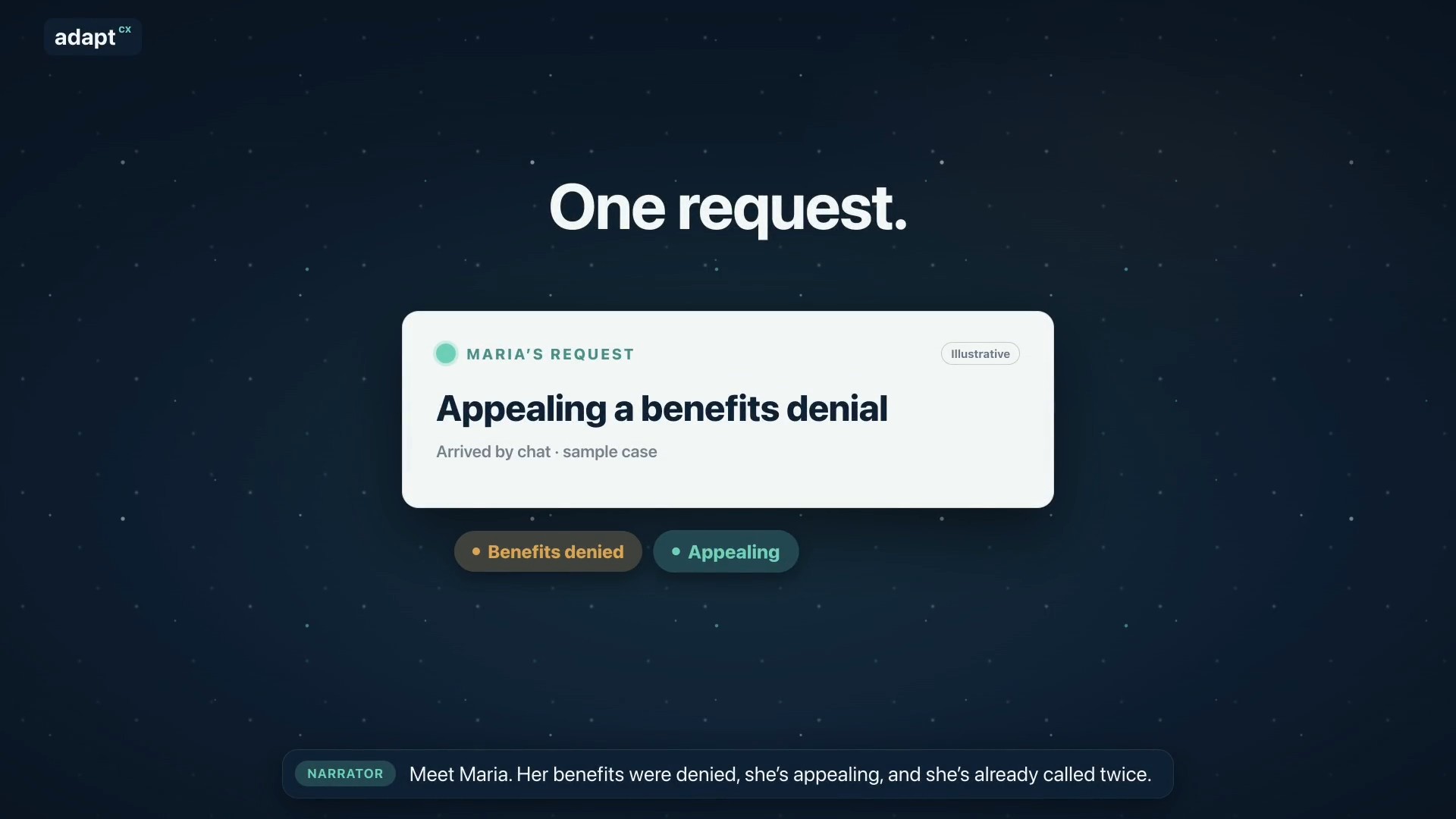
Narrator: Meet Maria. Her benefits were denied, she’s appealing, and she’s already called twice. Narrator: Usually, her request bounces between separate tools. AdaptCX runs it through one engine: the AI Engagement Hub. Narrator: First, it gets her request to the right team. Narrator: It remembers her whole story, from her claim to today’s chat. Narrator: Maria is frustrated, so it reminds the agent: listen first, then explain. Narrator: It finds the exact rule that applies, with the source. Narrator: It spots that her deadline is close, and flags it for staff. Narrator: It notices she’s called three times this week, a sign to follow up. Narrator: It helps supervisors see when the team is stretched. Narrator: Answers that work become guides your experts approve. Narrator: And when many people call about the same letter, it shows where to look. Narrator: One login. One audit trail. One record. Nine capabilities, one system. Narrator: AdaptCX AI Engagement Hub. One engine, every engagement.

One engine, every engagement.

Every appeal, from packet to decision.

Every appeal, from packet to decision.

An illustrative appeals workflow covering intake, case preparation, hearing support and an officer-reviewed decision.

Read the transcript

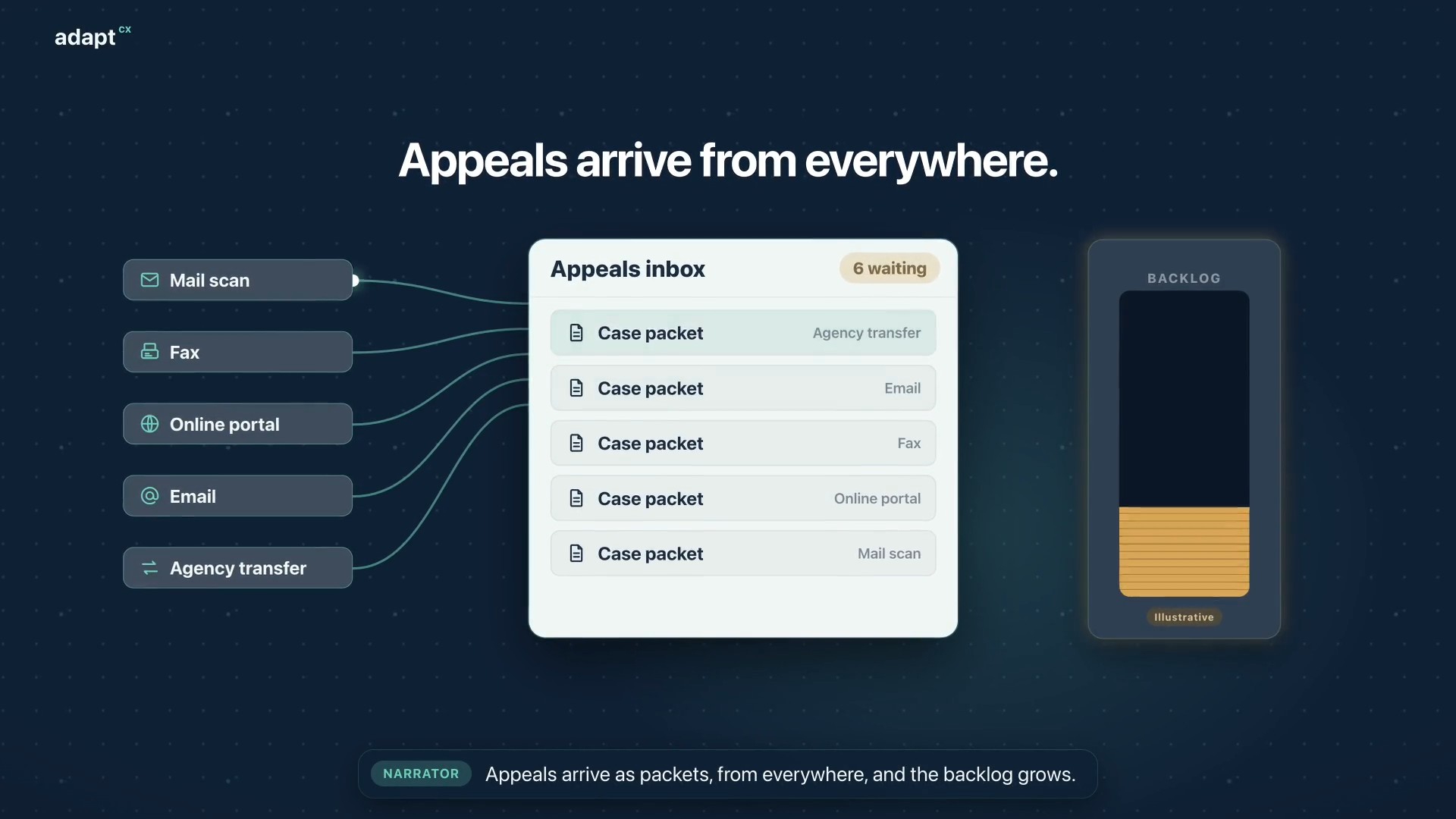
Narrator: Appeals arrive as packets, from everywhere, and the backlog grows. Narrator: At intake, AI analysis builds a summary, flags missing documents and red flags, and sets the case type. Narrator: Then it creates the appeal case, and assigns the best available officer. Narrator: The officer reviews everything before the hearing begins. Narrator: Participants dial in, or the officer calls each one. The oath is administered, and they join the hearing. Narrator: During the hearing, the officer gets a live transcript, Assist, and Mentor, surfacing the statutes and limitations that apply. Narrator: Afterward, the officer reviews the summary and the AI draft, then accepts, changes, or rejects it. The decision is the officer’s. Narrator: Faster decisions. A smaller backlog. Narrator: AdaptCX Digital Appeals. Every appeal, from packet to decision.

Every appeal, from packet to decision.

Assist setup: Five steps to smarter agents.

Assist setup: Five steps to smarter agents.

An illustrative setup walkthrough covering a knowledge collection, source indexing, scheduled refresh and queue connections for Assist.

Read the transcript

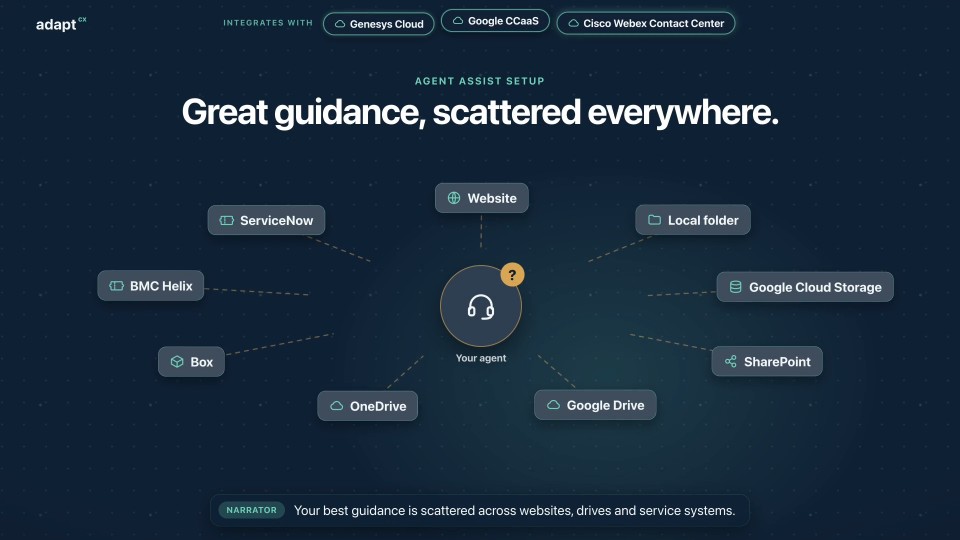
Narrator: Your best guidance is scattered across websites, drives and service systems. Narrator: Step one. In the Operations portal, create a knowledge collection. Narrator: Step two. Add sources: web pages, files, cloud storage, and the systems your teams already use. Narrator: Step three. Index them. Narrator: Step four. Schedule a refresh, so answers stay current. Narrator: Step five. In the Assist portal, connect it to your queues, or to all of them. Narrator: That's it. Calls and chats routed to your agents now get guidance and coaching from your collection. Narrator: AdaptCX Assist. Set up once. Helpful on every call.

Assist setup: Five steps to smarter agents.

Watch more

See it in action

The form is familiar.

The handwriting isn’t. See how the original page and extracted fields stay together.